The Google Business Profile for a Southampton business, field by field
A ten-minute check, then every field of the profile with the Southampton setting and the most common mistake: category, services, hours, area.
By Daniel Stoychev, Webso Digital · 29 August 2026 · Updated 6 October 2026 · 4 min read
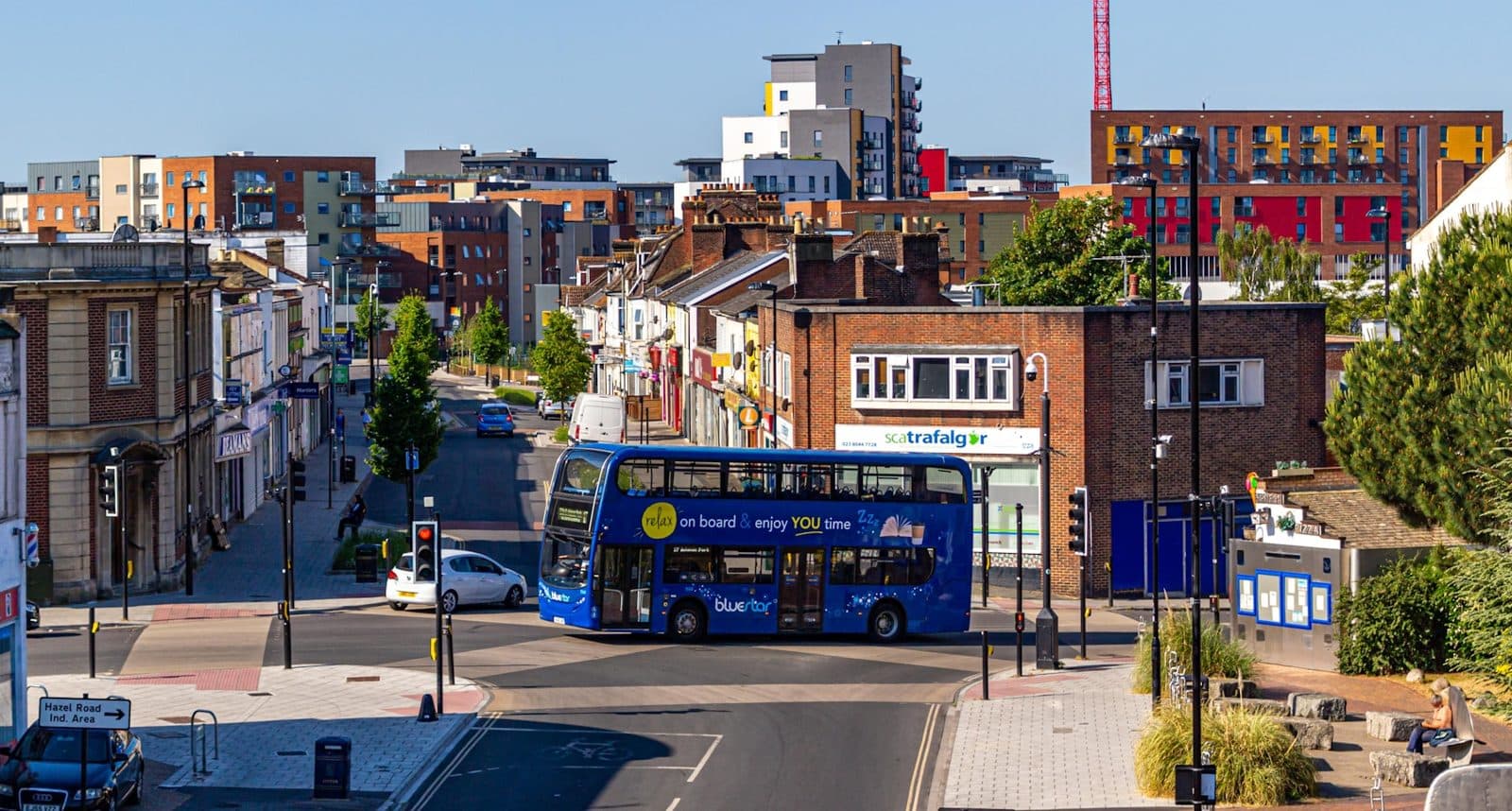
The Google Business Profile decides the map, and the map decides most urgent and nearby searches in Southampton. Most profiles here were claimed once, filled in halfway and left. This guide is the ten-minute check to see whether yours is one of them, then every field with the setting that fits a Southampton business and the most common mistake in each.
The ten-minute check
- Search your business name from a phone. Is the profile there, and is it yours, not a duplicate somebody else made?
- Open it. Are the hours right for this week, including the evening or Saturday you actually open?
- Count the reviews from the last three months. Fewer than three means the map is being decided by other people's customers.
- Read the newest photograph's date. Older than six months tells Google and the customer the same thing.
- Tap the website link. Does it open your site, on the right page, in under three seconds?
- Scroll to services. Are they the searches you want, or the defaults Google guessed?
Two or more failures and the profile is holding you back more than the website is. Fix it before anything else.
Field by field
| Field | Set it to | The common mistake |
|---|---|---|
| Business name | The name on the van and the invoice, nothing else | Southampton, the trade or a service added to the name; it ranks for a month and then the profile is suspended |
| Primary category | The one for the work you want more of, not the broadest | Contractor instead of Plumber; Restaurant instead of Italian restaurant; Dentist instead of Cosmetic dentist when that is the work |
| Secondary categories | Every true one, and only true ones | None at all, or six that the business does not do |
| Address or service area | The door if customers come to it; the towns you drive to if they do not | A home address shown for a service business, or a service area covering half of Hampshire |
| Hours | This week's real hours, with the evening and Saturday if you open, and special hours for bank holidays | Nine to five copied from somewhere, and open now shown at ten at night for a business that is not |
| Services | Google's list ticked, your own added with from-prices where you can | Left at the defaults, so the profile never shows for the searches that matter |
| Description | Plain sentences about what you do and where, with the centres named | A paragraph of keywords, or the founder's life story |
| Photographs | The frontage, the team, the van, the work, the room; new ones monthly, captioned | The logo and two stock images |
| Website link | Your site, tagged so Search Console shows what the profile sends | A Facebook page, or an old domain that redirects |
| Questions and answers | The five things customers ask, answered by you | Empty, or answered by a stranger |
The Southampton settings
The centre, not the city
The map re-centres with the phone, so a profile whose description, posts and reviews say Shirley wins in Shirley and one that says only Southampton wins nowhere in particular. Name the centre you are in and the centres you serve, in the description and in what you ask customers to mention.
Hours that match the city
Hospital shifts, the university term and sailing days shape when people here search. A practice that opens one evening a week and says so on the profile shows for searches the nine-to-five practices never see. A cafe near the terminals that opens at seven on sailing days and sets special hours for them takes the passengers.
The service area for a van
A trade with no shopfront hides its address and draws the area to the towns it genuinely works: Southampton and, say, Eastleigh, Totton and Hedge End. Drawing it to Winchester and Portsmouth to look bigger dilutes the map everywhere and wins nothing there.
Posts and photographs, monthly
A post a month is enough: a job done, a change of hours, a seasonal service. A photograph a month with a caption that names the centre keeps the profile current in Google's eyes and in the customer's. Neither takes more than ten minutes, and both are visible proof that the business is alive.
What gets a profile suspended
- A name that is not the business name.
- An address that is not a real premises: a virtual office, a mailbox, a friend's house.
- Two profiles for one location, or a profile for a location that does not exist.
- Reviews that Google decides were bought, or written by staff.
- Category changes that do not match what the business does.
A suspension takes weeks to appeal and often fails. Every item on the list is a shortcut somebody was paid to take. None of them are worth it.
The profile is the one asset in local search that is entirely under your control and costs nothing. Ninety minutes to set it up properly, ten minutes a month to keep it, and it decides more searches than the website.
Written by
Web developer and SEO specialist at Webso Digital, working remotely from Wrexham for marine businesses, clinics and Southampton firms. Builds the sites by hand and writes the guides from the work. Not a lawyer: where a guide covers a rule, it quotes the regulator and links to it, and the regulator's page is the one to rely on.
Questions on this topic
Can I have a profile for each centre I serve?
Only where you have a real premises with staff in it. A trade that drives to Eastleigh from Shirley has one profile and a service area. A second profile for Eastleigh without a base there breaks the rules and risks both.
Somebody else created a profile for my business. What do I do?
Claim it through Google's ownership request, which sends a message to the current owner and gives them three days. If they do not respond, it transfers. If it is a duplicate, claim it and ask Google to merge it.
Do the posts help ranking?
Indirectly. Google reads them and so do customers; an active profile converts better and gets more clicks, and clicks and calls feed the ranking. A dead profile with perfect fields still loses to a live one.